Eldforge Accessory Builder and Player Catalog
Use Eldforge’s Accessory Builder to create your own designs, then share them or browse creations in the Player Catalog.
Open Builder from the main menu to design and save an accessory. On new servers, you can save without the pass, but wearing your design requires the 800 Robux Accessory Builder pass. Share a build as Public to make it discoverable in the Player Catalog, where you can browse Newest or Popular or search by code.
Create, Save and Wear Your Design
- Select Builder from the main menu.
- Design your accessory and save it.
- Equip your saved design to wear it. This requires the Accessory Builder pass, priced at 800 Robux.
On new servers, you can save a design without owning the pass. Saving keeps the design for later; the pass gives you the ability to wear it.
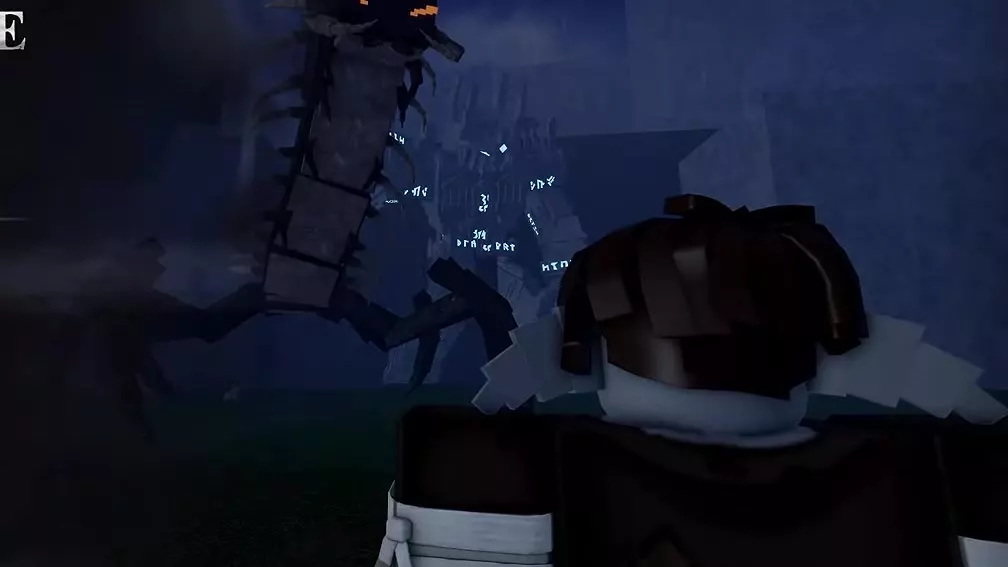
Share a Build as Public
Create an accessory build in Builder and share it as Public. Other players can then discover it in the Player Catalog.
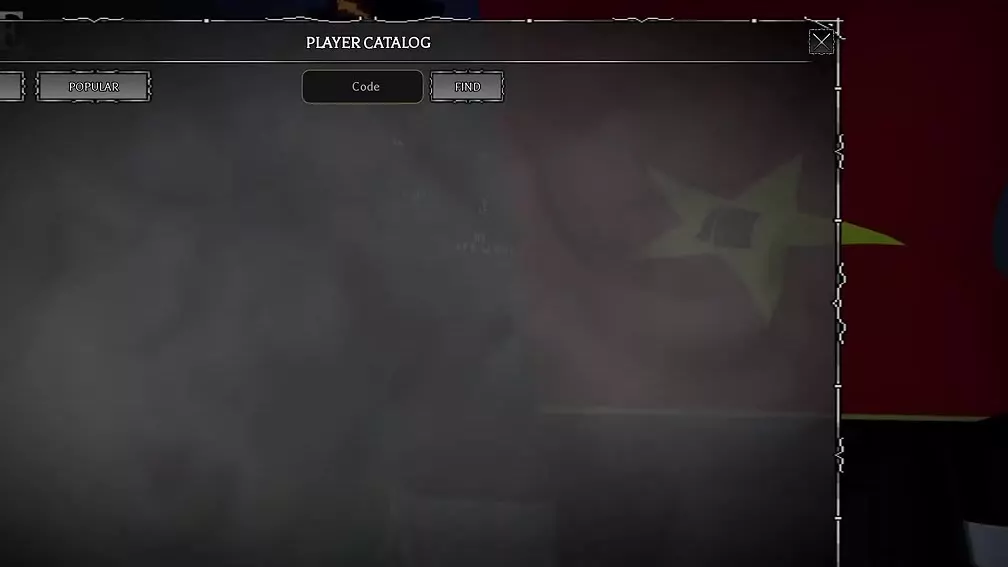
Browse or Find a Build by Code
- Select Catalog from the main menu to open the Player Catalog.
- Select Newest or Popular to browse public builds. To find a specific build, enter its code in the Code field and select Find.
- Use the close button to return to the main menu.
If the list shows 0 builds, create a build in Builder and share it as Public so it can be discovered in the catalog.
Cosmetics and Game Passes
Change your character’s look through character customization, or compare prices and benefits in the game pass list.