
Eldforge Death Penalties and Respawn Points
Defeat in Eldforge costs XP and money, but you can choose where to return. Read the defeat screen, then save a respawn point that suits your next trip.
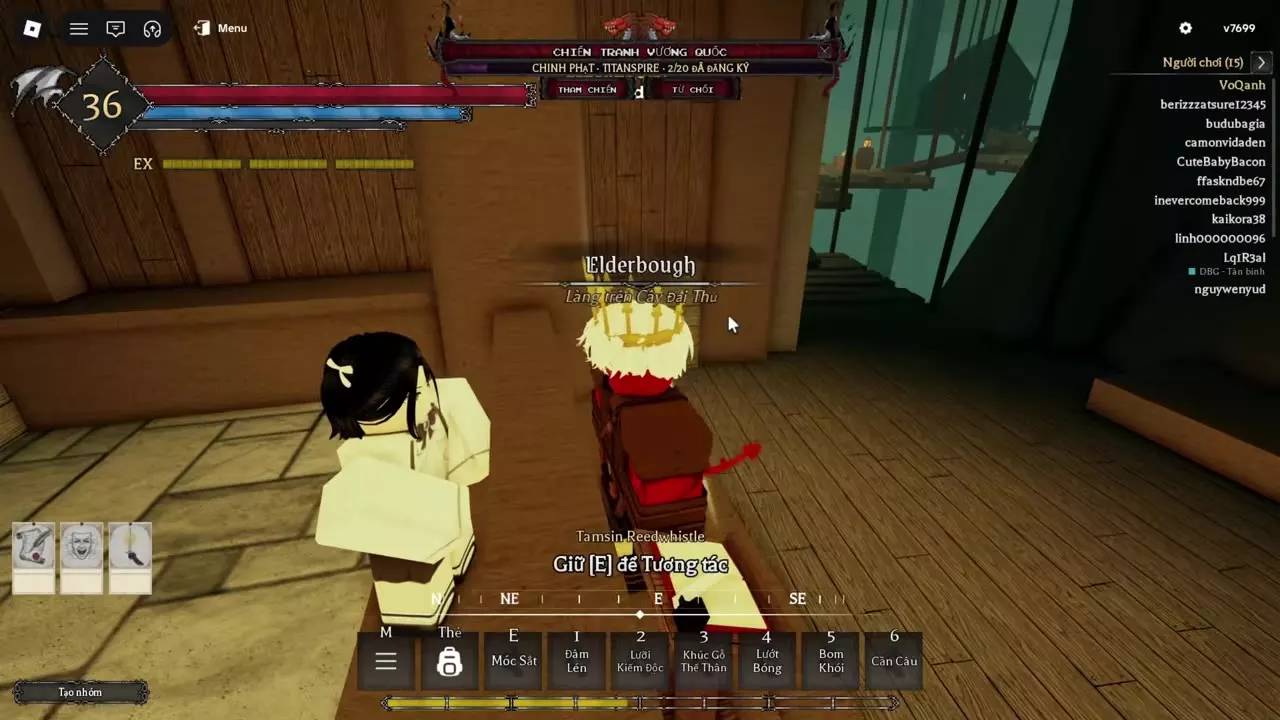
Death deducts XP and 10% of your money. Select Confirm on the defeat screen to respawn with full health. In Elderbough, hold E at Tamsin Reedwhistle to save the village as your spawn point; Set Spawn Anywhere owners can use M → Spawn Point.
Read Defeat Losses and Confirm Respawn
Death deducts XP and carries a 10% money penalty. The You were defeated notification shows the XP lost in that encounter.
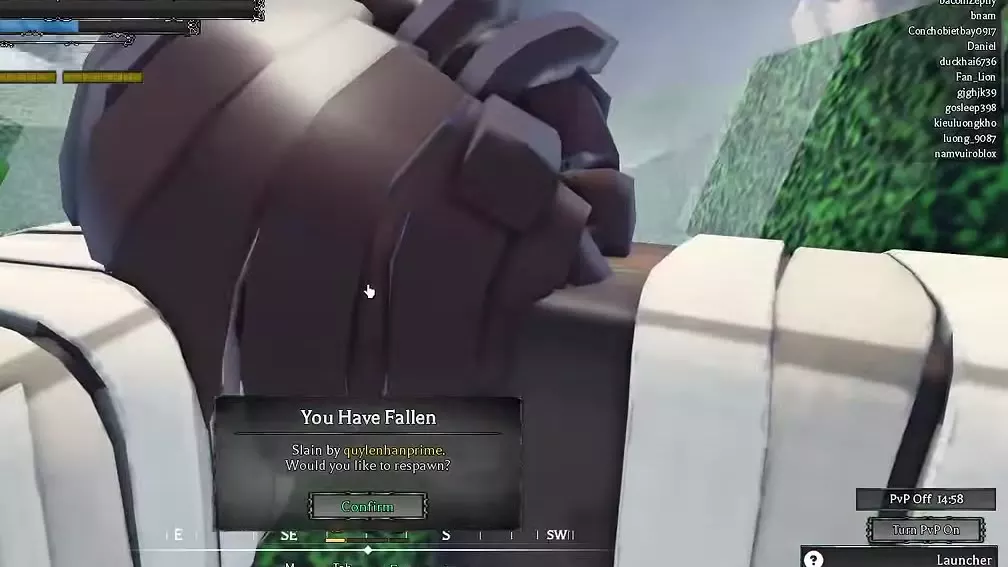
- On You Have Fallen, read Slain by to see which enemy or player defeated you.
- Select Confirm. The button changes to Respawning... while you return to a spawn location.
- Check the location name after returning with full health, then plan your route back.
A temporary knockdown during combat can end with your character getting back up; the You Have Fallen window is the defeat prompt.
Other players can continue fighting while the defeat window is open. In one Skeleton King trial, a defeated player remained on that screen while the others finished the boss, received loot and 1/1 trial credit, and reached Adventurer Rank A before confirming.
To respawn manually, open the Roblox menu and select Respawn, confirm that choice, then select Confirm on Eldforge's defeat screen. Choose Don't Respawn to cancel the first prompt.
Save an Elderbough Spawn Point
- At the roots of the great tree, hold E at the vine to climb into Elderbough.
- Find Tamsin Reedwhistle indoors and approach until the interaction prompt appears.
- Hold E, then look for the notification confirming that your spawn point is set to Elderbough.
Set Spawn Anywhere
With the Set Spawn Anywhere game pass, press M and select Spawn Point to set your respawn point anywhere in the world. This lets you choose a point closer to your next destination. See the game pass price list for its price and other pass benefits.
Bank Storage and PvP Protection
The bank stores money and items; putting away items you do not need also frees backpack space.
After another player defeats you, PvP Off provides a separate 15-minute protection timer. You can select Turn PvP On to end it early. See combat and PvP for protection and safe-zone rules.